
What Is the Best Resume Template for 2026? A Complete Format Guide
The best resume template for 2026 depends on your experience and the job. Compare formats, ATS-friendly layouts, and the sections that matter most.
The best resume template for 2026 is not the prettiest one. It is the one a recruiter and the screening software can both read in seconds, matched to your experience and the job you want. A clean format beats a designer layout almost every time.
This guide breaks down the resume template types that actually work, how to pick one by job and experience level, the sections every resume needs, and the design standards for 2026. If you would rather skip the formatting entirely, LiftmyCV builds a tailored, ATS-ready resume from your profile and applies for you, but the choices below are worth knowing either way.
The 3 Main Resume Template Types
Almost every resume template is a variation of three formats. Picking the right one is the first real decision, because it controls what a recruiter sees first and how the applicant tracking system reads your history.
| Format | Leads with | Best for |
|---|---|---|
| Chronological | Work history, newest first | Steady career with clear progression |
| Functional (skills-based) | Skills and abilities | Career changers and large gaps |
| Combination (hybrid) | Skills, then work history | Senior roles with a strong record |
Chronological resume format
The chronological resume lists your work history in reverse order, most recent role first. It is the format recruiters expect and the one applicant tracking systems parse most reliably, because dates sit next to titles and employers. If your career shows steady progression, a chronological template is the safest default. The one weakness is that it exposes employment gaps, since the timeline is the backbone of the layout.
Functional (skills-based) resume format
A functional resume groups your abilities into skill categories and pushes dates into the background. It can help career changers and people returning after a break, but it comes with real downsides: many recruiters distrust it because it hides the timeline, and some parsers struggle to map skills to roles. Reach for a skills-based template only when a chronological one would actively work against you, and even then keep a short, dated work history at the bottom.
Combination (hybrid) resume format
The combination resume opens with a strong skills summary, then backs it with a chronological work history. It gives you the best of both: the skills a recruiter scans for, plus the record that proves them. For most experienced applicants and senior roles, a hybrid template is the strongest choice.
CV vs Resume: Which One Do You Need
People search for “CV template” and “resume template” as if they are identical, and often they are. A resume is a short, one-to-two-page summary tailored to a specific job. A CV (curriculum vitae) is a longer, detailed record used for academic and research roles, and in some places CV is simply the standard term for any job application document.
So the practical answer depends on the employer and the role. For most corporate jobs, a resume is what you want. For academic or research positions, or wherever the listing asks for a CV, use the longer format. The structure and ATS advice in this guide applies to both, since both are read by software and skimmed by people.
The Best Resume Template by Experience Level
The right template shifts with where you are in your career. A one-size template is exactly why so many resumes feel generic and get skimmed past.
- Student and entry-level resume: lead with education, internships, projects, and transferable skills on a clean one-page chronological template.
- Mid-career resume: a chronological or combination template that puts measurable results in your recent roles up front.
- Executive resume: a combination template with a leadership summary plus scope and outcomes. Two pages is acceptable at this level.
- Career change resume: a combination template that foregrounds transferable skills while still showing dates, so the move reads as deliberate rather than unstable. If the move is into a field like accounting, see how to become an accountant.
Notice that almost every level points to chronological or combination, not functional. That is deliberate. Even when you want to emphasize skills, keeping a visible timeline is what keeps recruiters and parsers on your side.
The Best Resume Template by Job Type
Different fields reward different emphasis. The underlying format stays simple, but the sections you lead with change with the role.
Technical, creative, and business roles
Technical and engineering resumes need a prominent skills or tools section near the top, plus links to a portfolio or GitHub. Creative roles can carry slightly more visual structure, but the file still has to parse as plain text, so keep the design in a linked portfolio rather than the resume itself. Sales and business resumes should lead with numbers: quotas hit, revenue grown, accounts managed.
Healthcare, legal, and academic roles
These fields lean toward a CV-style template with certifications and credentials placed high on the page. Recruiters in regulated fields screen for specific qualifications first, so a template that buries them costs you. Whatever the field, the rule holds: the template should make your single most relevant qualification the first thing a recruiter sees.
How to Tailor Your Resume Template to Each Job
A template is a starting point, not a finished resume. The applications that get interviews are tailored to the posting, and the template should make that easy rather than fight it.
Read the job description and note the skills, tools, and titles it names, then mirror that language where it honestly applies to you. Recruiters search the applicant tracking system for those exact terms, so matching the wording is what surfaces your resume in a search. A good template leaves room to swap the summary, reorder skills, and adjust bullets for each role. This per-job tailoring is slow by hand, which is the step LiftmyCV automates when it generates a fresh, matched resume for every application. A fast way to handle that opener is to rework your resume summary per job.
Making Your Resume Template ATS-Ready
A beautiful template is useless if the software cannot read it. Most mid-size and large employers run every resume through an applicant tracking system before a person sees it, so an ATS-friendly template is non-negotiable.
Keep one column, use standard section headings, stick to ordinary fonts, and avoid text trapped inside images, tables, or graphics. Submit a .docx or a text-based PDF rather than a scanned image. For the full breakdown, see our guide to building an ATS-friendly resume that gets past screening.
Resume Design Standards for 2026
Design in 2026 is about clarity, not decoration. Recruiters skim a resume in a few seconds, and screening software ignores styling entirely, so every design choice should make the document faster to read.
Layout and spacing
Use a single column with generous white space, clear section breaks, and consistent margins. Crowded resumes get skimmed and dropped. A simple, professional resume template reads as confident, while a cramped one signals that you could not edit.
Fonts and color
Stick to standard, legible fonts at a readable size. Color, if you use any, belongs as one restrained accent on headings, never in the body text. A modern resume template uses contrast and spacing to guide the eye, not bright blocks of color or graphics that confuse a parser.
Length and file format
One page is the standard for students and early-career candidates. Up to two pages is fine once you have years of relevant experience. Save and send the file as a .docx or text-based PDF so the formatting survives and the text stays readable.
The Resume Sections Every Template Needs
Whatever template you choose, recruiters and parsers look for the same labeled sections. Skip one and you look incomplete; rename them creatively and the parser may miss them entirely.
- Header: name, phone, email, city, and a LinkedIn URL, kept in the body of the document, never the page header or footer.
- Resume summary: two or three lines naming your role, years of experience, and strongest relevant skills.
- Work experience: roles in reverse order, each bullet leading with an action and ending with a result.
- Skills: a clearly labeled section that mixes hard skills with the specific tools a job names.
- Education: degree, institution, and year, kept short.
The summary and the experience bullets do most of the persuading, so spend your editing time there. Our guide to the ATS-friendly resume covers how recruiters actually search and rank what you put in these sections.
Skip the template hunt and the formatting
LiftmyCV builds a clean, ATS-ready resume from your profile, tailors it to each job, and applies for you.
Resume Template Examples That Work
The strongest resume examples share the same DNA, regardless of industry. They open with a sharp summary, lead each role with results, and keep the layout clean enough to read in one pass.
A good entry-level example fills a single page with education, projects, and transferable skills instead of stretching thin experience. A good mid-career example leads each role with a measurable outcome rather than a list of duties. A good executive example opens with scope and impact, then supports it with a track record. In every case, the example works because the content is specific and the template stays out of the way.
Where to Get a Quality Resume Template
Free resume templates are everywhere, from word processors to design tools, and most are fine as a starting point. The trap is choosing for looks. A heavily designed template with columns, sidebars, icons, or a photo often breaks in an ATS, while a plain one parses cleanly and ranks better in a recruiter search.
When you evaluate a template, judge it on three things: does it parse as clean text, does it use standard section headings, and does it leave room for tailored content. A free template that passes those beats a paid one that does not. Better still, generate the resume from your profile so the format stays correct and the content changes per job, instead of forcing your details into a fixed layout.
Common Resume Template Mistakes
Most template problems come down to a handful of avoidable choices.
- Picking a multi-column or graphic-heavy template that an ATS cannot parse.
- Reusing one generic resume for every job instead of tailoring it to the posting.
- Putting contact details in the document header or footer, where some parsers ignore them.
- Padding to two pages with filler when one tight page would read better.


FAQ
What is the best resume template format?
For most people, a chronological or combination template. They parse reliably in an ATS and match what recruiters expect. Save a functional, skills-based template for a real career gap or change.
Are free resume templates good enough?
Yes, if they are simple and single-column. A free template that parses cleanly beats a paid, heavily designed one that breaks in an ATS.
Should I use a Word or Google Docs resume template?
Either works. Submit a .docx or a text-based PDF unless the application asks for something specific, and avoid image-based PDFs the parser cannot read.
How long should a resume be?
One page for students and early-career candidates, up to two pages once you have years of relevant experience. Length should follow substance, not padding.
Is a CV the same as a resume?
Not always. A resume is a short, tailored summary, while a CV is a longer, detailed record. In some places the two terms are used interchangeably, so follow whatever the job posting asks for.
Should I put a photo on my resume?
Usually no. Photos can trip up parsers and invite bias, so use the space for skills and results instead, unless a specific employer or role requires one.
Read Next
AI Resume Summary Generator: How to Write One (With Examples)
An AI resume summary generator writes a tailored professional summary in seconds. Get resume summary examples for career changers, grads, and pros.
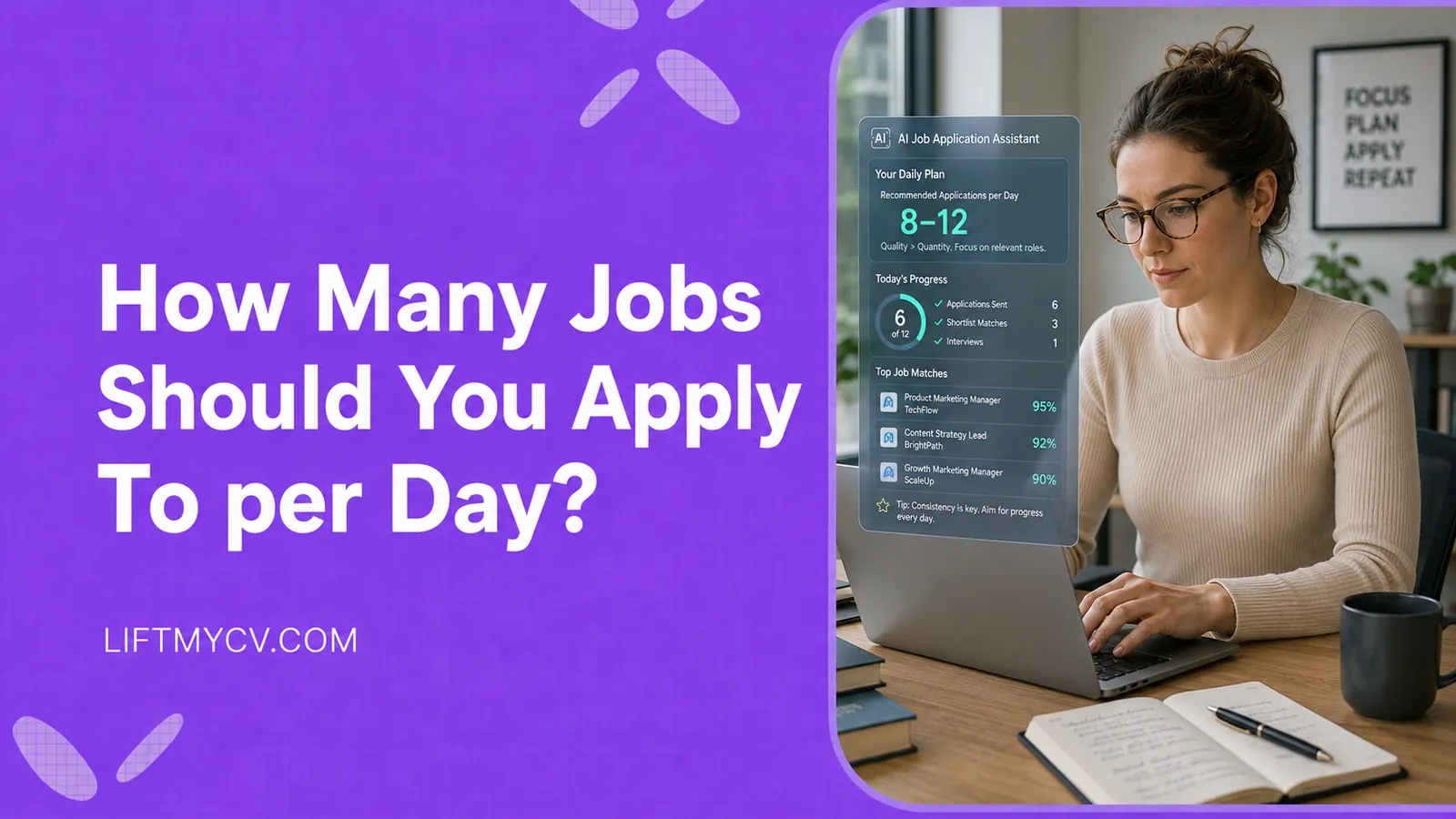
How Many Jobs Should You Apply To per Day? The Honest Answer
The real daily number, why consistency beats big bursts, and how to hit your target without burning out.
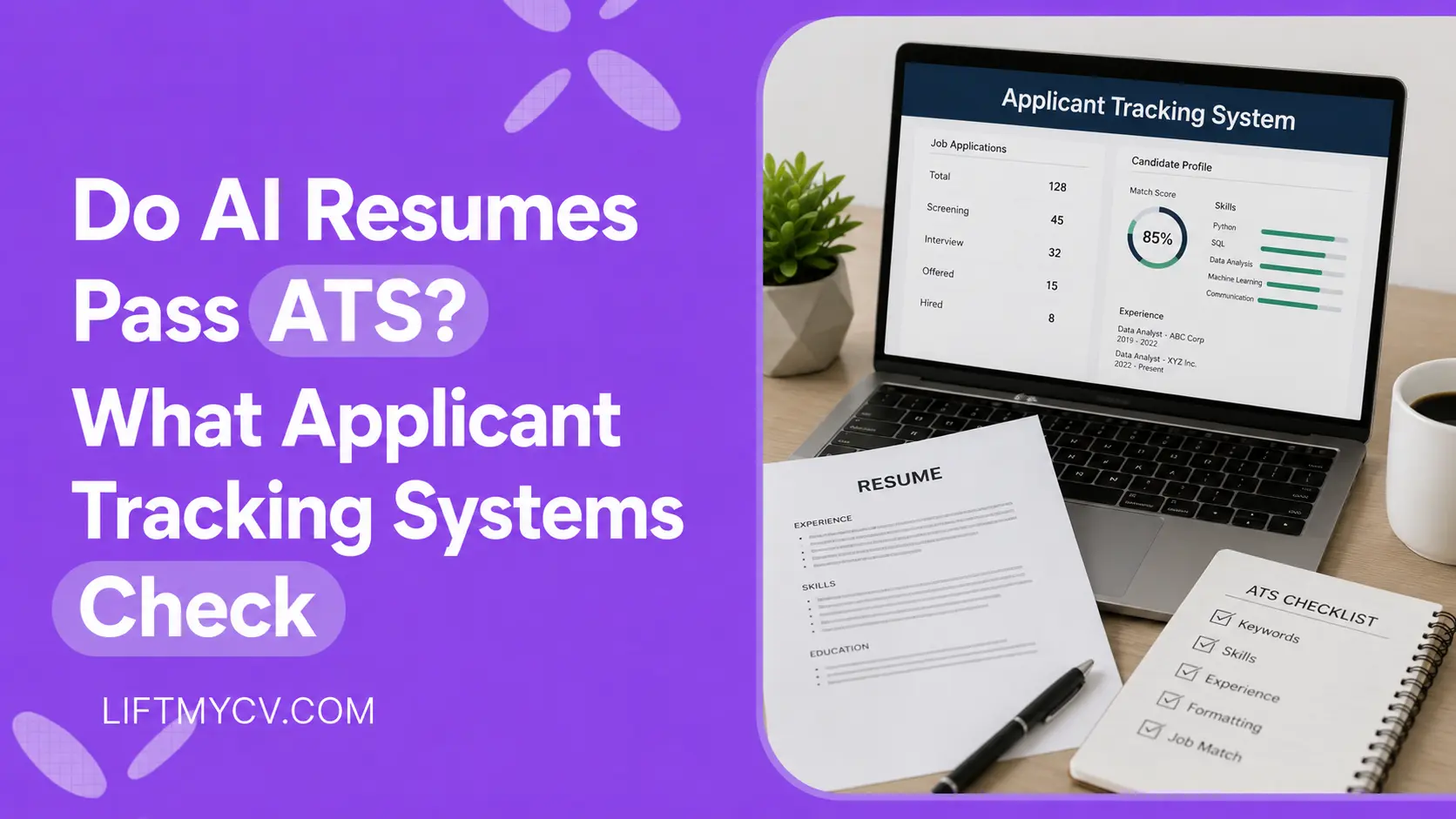
Do AI Resumes Pass ATS? What Applicant Tracking Systems Check
ATS does not detect AI. See what it checks, why some AI resumes get rejected, and how to make yours pass the screen.