
ATS-Friendly Resume Format That Beats Resume Screening
An ATS-friendly resume gets past screening software and into a recruiter's hands. Here is the format, fonts, keywords, and structure that actually work.
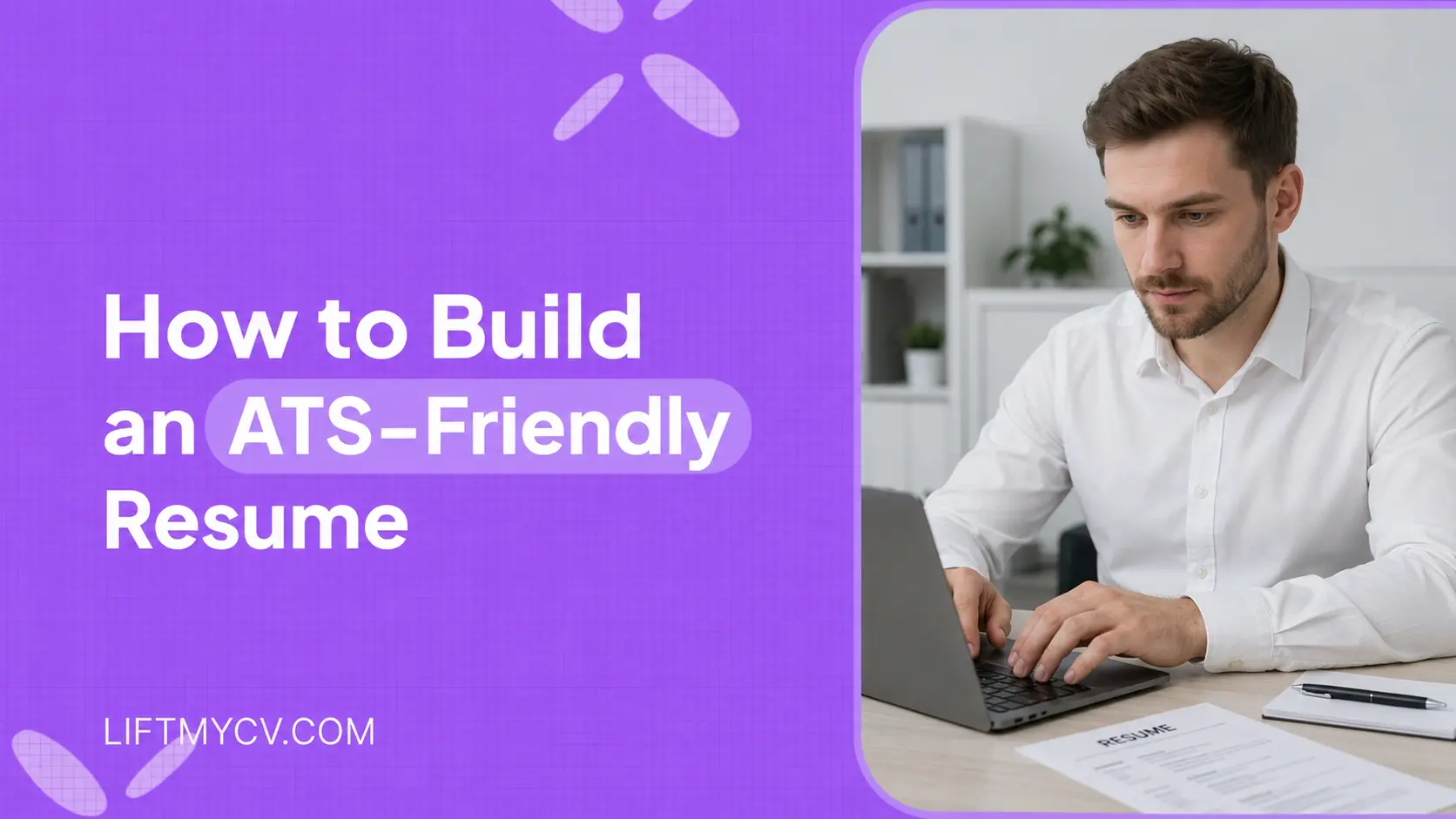
Most resumes are read by software before a person ever sees them. Large employers route nearly every application through an applicant tracking system, and a resume the parser cannot read is a resume that quietly drops out of the running. A clean resume also feeds AI job matching, which reads your skills to rank roles by fit.
An ATS-friendly resume format fixes that. It uses a structure the software can parse, the keywords a specific role calls for, and a layout that survives when the file is converted to plain text. Get those right and your application reaches a human in the shape you intended.
This guide covers what makes a resume ATS-friendly, why resumes get rejected, and how to format, write, and test yours. If the technology itself is new to you, start with our explainer on how an applicant tracking system works, then come back for the resume specifics. If you would rather not do this by hand, LiftmyCV can build and tailor an ATS-ready resume for you automatically, and the steps below explain exactly what it does under the hood.
What Makes a Resume ATS-Friendly
An applicant tracking system is the database recruiters use to collect and rank applications. When you upload a resume, the system parses it. It splits your document into fields like name, work experience, skills, and education, then stores those fields as structured data. Different systems parse with slightly different rules, so a resume that reads cleanly in plain text is the version most likely to survive across all of them. Many systems store your cover letter alongside the resume, so keep both clean and keyword-aligned, and these cover letter examples show how.
What makes a resume ATS-friendly is simple: the parser reads it correctly. The plumbing matters more than the prose. If your job titles land in the right field and your skills register as skills, recruiters can find you when they search. If the parser misreads a two-column layout or skips text trapped inside an image, parts of your experience never reach the database.
This is not about tricking the software. The goal is to remove the formatting and wording that stop an applicant tracking system from understanding a qualified candidate.
How Resume Screening Works, and Why Resumes Get Rejected
Resume screening works in two passes. The parser reads your file first and turns it into database fields, then a recruiter searches those fields by keyword, title, and skill. A rejection at the parsing stage rarely says anything about your experience. It usually traces back to a few avoidable causes.
- Complex layouts with multiple columns, text boxes, or tables that parse out of order.
- Text locked inside images, logos, or graphics, which the parser simply skips.
- Nonstandard section headings the software does not recognize.
- Missing terms from the job description, so recruiter searches never surface you.
- Contact details buried in the document header or footer, a region some parsers ignore.
None of these means your experience is weak. They mean the document fought the parser. A clean file with standard structure removes most of the risk before a recruiter applies a single filter.
The ATS-Friendly Resume Format
Formatting is where most parsing problems start and where they are easiest to fix. The right ATS-friendly resume format is plain, single-column, and built from real text rather than design elements.
File type and layout
Submit a .docx or a text-based PDF unless the application asks for something specific. Keep one column. Multi-column layouts, text boxes, and tables often parse out of order and scramble your timeline. Leave your name, email, and phone number in the body of the document rather than the header or footer. Write dates in a consistent style such as MM/YYYY, since mixed date formats can confuse the parser when it rebuilds your timeline.
Fonts and spacing
ATS-friendly fonts are the ordinary ones a parser never trips over: Arial, Calibri, Georgia, Times New Roman. Use a single font family, real bullet characters, and normal line spacing. Decorative fonts and custom glyphs can be misread or dropped entirely.
Section headings the parser expects
Label sections with conventional names: Summary, Work Experience, Skills, Education. A creative heading like “Where I Made an Impact” reads well to a person but confuses the parser hunting for “Work Experience.” Conventional headings are most of how you make an ATS resume that maps cleanly into the database.
Length follows the same logic. How long should a resume be? One page for early-career candidates, up to two for deeper experience. A one-page resume is not an ATS rule, but a tight document is easier to parse and easier to read.
Stop reformatting the same resume for every job
Generate a clean, ATS-ready resume tailored to each posting in seconds, then let auto-apply send it.
Resume Keywords for ATS, Without the Stuffing
Recruiters search the ATS database using terms from the job description, so the right resume keywords for ATS are how you show up in those searches. The reliable method is to tailor your resume to the job description: read the posting, note the skills and tools it names, and mirror that language wherever it honestly applies to you.
Match the exact phrasing the employer uses. If the posting says “project management,” write project management rather than only “managed projects.” Present the skills to put on a resume as a recognizable skills section, then weave the same resume keywords into your experience so they read as evidence, not a list.
Spell out acronyms and include the short form once, since a recruiter might search either version. Writing “search engine optimization (SEO)” covers both queries, while using only one risks missing the other. The same applies to job titles and certifications that go by more than one name.
There is a line between relevance and stuffing. Repeating a term ten times or hiding white text does more harm than good, and reviewers are trained to catch it. Use each important keyword where it fits, then stop. Matching the right terms for every posting by hand is slow, which is the part LiftmyCV automates when it tailors your resume to each job.
How to Structure Each Resume Section
Once the formatting is clean, the content does the work. Each section has a job in both the parse and the human read.
Summary and headline
Open with a short resume summary of two or three lines naming your role, your years of experience, and your strongest relevant skills. A clear resume headline, the line directly under your name, gives the parser and the recruiter an immediate label for who you are. If that opening line is where you stall, see how to speed it up by drafting your resume summary with AI.
Work experience and bullet points
List roles in reverse order. A chronological resume is the safest structure for parsing because the software expects dates beside titles and employers. Write resume bullet points that lead with an action and end with a result, kept to a single line where you can.
A functional resume that groups skills and hides dates is the exception, not the default. Some parsers handle it poorly and many recruiters distrust it, so reach for it only when a real career gap demands it.
Skills and education
Give skills their own clearly labeled section so the parser captures them as skills. Mix the broad hard skills with the specific tools a role names, and if a posting names a tool you have used, write it the way the posting does rather than as a generic category. Keep education simple: degree, institution, year.
How to Test Your Resume Before You Apply
Before you send anything, confirm the document parses. The fastest check costs nothing.
- Copy the resume into a plain text editor and check that the order still makes sense.
- Run it through an ATS resume checker to flag unreadable sections.
- Compare it against the job description and add any relevant terms you are missing.
If the plain-text version reads in the right order and your key terms survive, you have done the core of how to optimize a resume for ATS. Everything past that is polish, and it is most of what passing ATS screening comes down to in practice.
Let AI Build an ATS-Ready Resume for You
Doing all of this by hand for every application is slow, and the job description changes each time. The LiftmyCV AI resume generator builds an ATS-compliant resume from your profile and tailors it to each posting, so the format stays clean and the keywords match without manual rewriting. Paired with auto-apply, that tailored resume goes out with every application instead of one generic file. For safe layout choices, our resume template guide pairs well with this one.


FAQ
What makes a resume ATS-friendly?
A single-column layout, standard section headings, an ordinary font, and real text instead of images or text boxes. Add the terms the job description names and the parser captures your experience the way you wrote it.
What file format is best for an ATS?
A .docx is the safest default. A text-based PDF works in most modern systems, but avoid scanned or image-based PDFs, since the parser cannot read text inside an image.
Do small companies use an ATS?
Many do. Low-cost and free tracking tools are common well below enterprise scale, so a clean, parseable resume matters even when you apply to a small team.
How do recruiters use an ATS?
They search and filter the database by keyword, title, and skills, then review the resumes that surface. If your terms are missing or mis-parsed, you may never appear in the search that counts.
Will a resume template pass an ATS?
A simple, single-column template usually parses well. Heavily designed templates with columns, tables, or graphics are the ones that cause trouble.
How many keywords should a resume have?
There is no fixed number. Cover the skills and tools the specific job description names, used naturally where they apply. Relevance beats volume, and stuffing works against you.
Read Next
AI Resume Summary Generator: How to Write One (With Examples)
An AI resume summary generator writes a tailored professional summary in seconds. Get resume summary examples for career changers, grads, and pros.
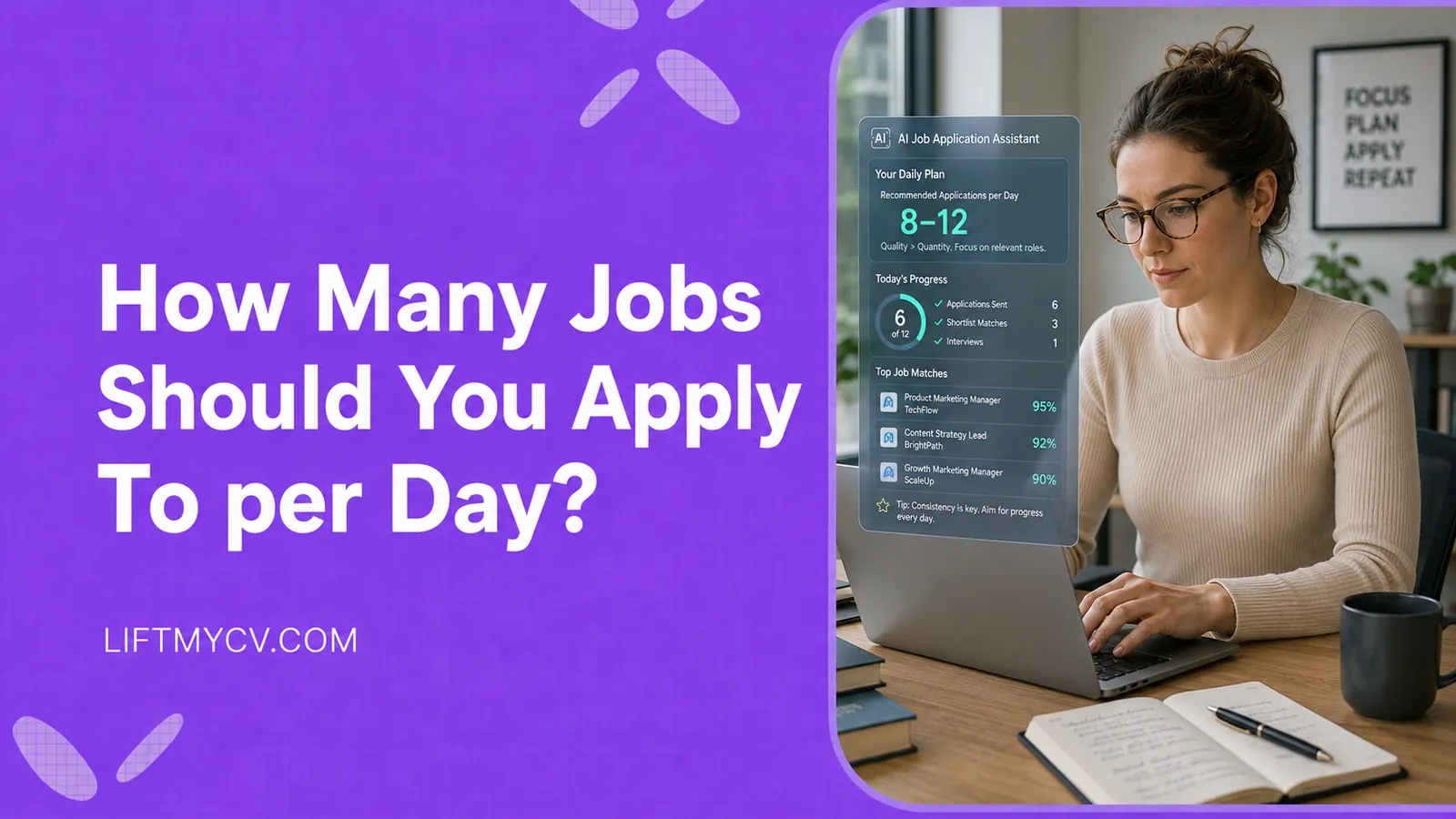
How Many Jobs Should You Apply To per Day? The Honest Answer
The real daily number, why consistency beats big bursts, and how to hit your target without burning out.
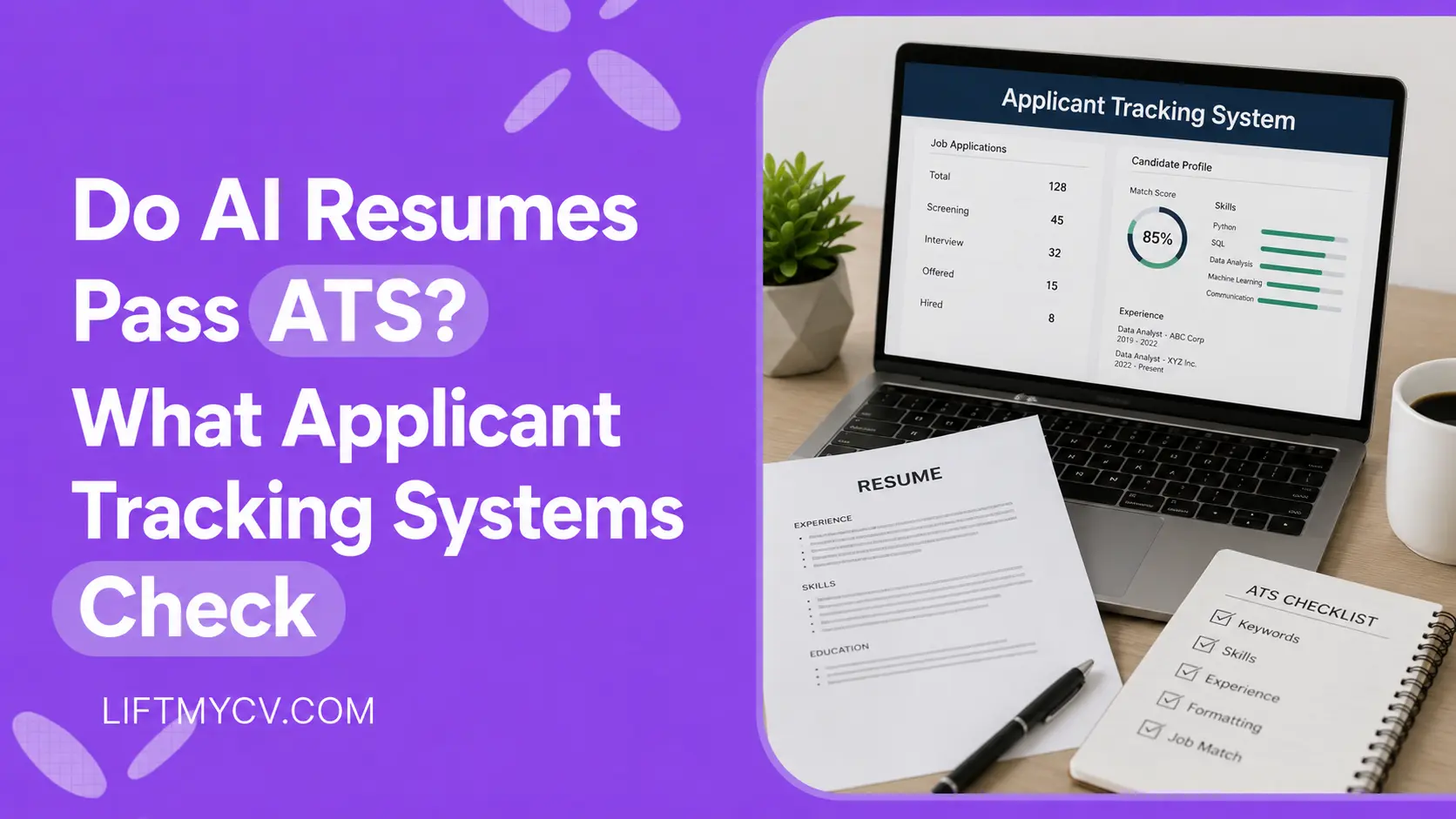
Do AI Resumes Pass ATS? What Applicant Tracking Systems Check
ATS does not detect AI. See what it checks, why some AI resumes get rejected, and how to make yours pass the screen.