
What Is an ATS? How Applicant Tracking Systems Work
Learn what an Applicant Tracking System (ATS) is, how it works, and how to optimize your resume to pass ATS filters, like Lever and Workable.
An Applicant Tracking System (ATS) is software that companies use to manage the hiring process. It automates tasks like posting jobs, screening resumes, and tracking candidates. 98.4% of Fortune 500 companies use ATS tools, making them essential for modern recruitment. Once you know how the system reads applications, the next step is building an ATS-friendly resume that parses cleanly.
Key Benefits of ATS:
- Faster Hiring: Reduces time-to-hire by up to 90%.
- Cost Savings: Cuts cost-per-hire by 70%.
- Better Candidates: 78% of recruiters report improved candidate quality.
How ATS Works:
- Reads Resumes: Converts resumes into structured, searchable data.
- Keyword Analysis: Matches resumes to job descriptions using keywords.
- Application Scoring: Scores candidates based on qualifications, skills, and experience.
Core Features:
- Job Post Distribution: Shares job listings across platforms.
- Candidate Database: Centralized pool of applicant information.
- Recruitment Analytics: Tracks metrics like time-to-hire and cost-per-hire.
Tips for ATS-Ready Resumes:
- Use keywords from the job description.
- Stick to simple formatting (no tables, graphics, or columns).
- Save as
.docxunless otherwise specified.
With 75% of resumes never reaching human recruiters, optimizing for ATS is critical. Tools like LiftmyCV can help tailor your ATS-friendly applicant profile and automate applications for better results.
ATS Core Functions
How ATS Reads Resumes
Modern ATS systems use parsing algorithms to convert unstructured resumes into organized, searchable data. These algorithms categorize your resume into sections like work experience, education, and skills. This allows recruiters to quickly filter candidates based on specific qualifications. For example, if your work history includes dates like “March 2023 – Present”, the system identifies these as employment timelines. Once categorized, this structured data is analyzed for keywords to help match candidates to job requirements.
ATS Keyword Analysis
ATS scans resumes for keywords related to technical skills, qualifications, and experience listed in the job description. Using Natural Language Processing, it identifies exact matches and related terms by analyzing their frequency and context. Surprisingly, 88% of companies report losing qualified candidates simply because their resumes lack the right keywords.
Application Scoring System
After parsing and keyword analysis, ATS assigns a score to each candidate based on how well they meet the job criteria. Common scoring factors include:
| Scoring Factor | Weight | Impact |
|---|---|---|
| Keyword Match | High | Directly aligns with job criteria |
| Experience Level | Medium | Relevant years in similar roles |
| Education | Medium | Meets degree requirements |
| Location | Low | Proximity to the job location |
| Skills Match | High | Alignment with required skills |
- Time-to-hire: Recruitment processes can be up to 90% faster.
- Cost savings: Reduces cost-per-hire by an average of 70%.
- Efficiency: Cuts overall hiring timelines by 50%.
These scores help rank candidates, with higher scores indicating a stronger fit for the role. Recruiters can also adjust the importance of certain criteria to focus on specific job needs, ensuring the best candidates are prioritized.
How Do Applicant Tracking Systems Work? ATS Explained
Main ATS Components
Applicant Tracking Systems (ATS) are built around three main components that simplify the hiring process.
Job Post Distribution
ATS platforms make it easy for recruiters to share job openings across various platforms while ensuring the formatting meets each platform’s specific requirements. Key features include:
- Posting to multiple channels
- Automatic formatting adjustments
- Real-time updates on posting status
- Analytics to track where applications come from
As candidates apply, their details are automatically gathered into a centralized system.
Candidate Database
The candidate database acts as a central hub for all applicant information, creating a searchable talent pool. This centralized approach makes it easier to find, manage, and evaluate candidates. Key features include:
| Feature | How It Helps Recruitment |
|---|---|
| Automatic Parsing | Quickly extracts and organizes resume details |
| Smart Search | Helps locate candidates based on skills, experience, or location |
| Duplicate Check | Avoids multiple entries for the same applicant |
| Data Retention | Stores profiles for future hiring needs |
Recruitment Analytics
With all candidate data in one place, ATS analytics provide detailed insights through tracking and reporting. Key metrics include:
- Time to fill positions (varies by industry, averaging 14 to 63 days)
- Cost per hire (average: $4,129)
- Ratios of interviews to hires
- Offer acceptance rates
- Effectiveness of different hiring sources
A whopping 94% of companies report smoother hiring processes after leveraging ATS analytics. These metrics help teams make smarter decisions, improve efficiency, and reduce bias in hiring.
Making ATS-Ready Resumes
With 72% of resumes never making it to a human recruiter [9], optimizing your resume for ATS (Applicant Tracking Systems) is crucial. These systems rely on specific keywords and formatting to evaluate applications, so understanding how to tailor your resume can make all the difference.
Keyword Selection
The right keywords are essential for passing ATS screenings. In fact, 88% of companies reject qualified applicants simply because their resumes lack the right terms. Here’s how to approach keyword selection:
| Keyword Type | Examples | Usage Tips |
|---|---|---|
| Industry-Specific | SEO Optimization, Content Strategy | Use exact terms from the job description |
| Hard Skills | Google Analytics, Email Marketing | Include certifications and tools |
| Soft Skills | Leadership, Communication | Balance with measurable skills |
| Action Verbs | Develop, Analyze, Lead | Highlight achievements with these verbs |
Pick 3-5 keywords from the job posting and weave them naturally into your resume. Once your keywords are in place, focus on formatting to ensure ATS compatibility.
Resume Format Rules
Even the best keywords won’t help if your resume’s format isn’t ATS-friendly. Use these tips to make your resume easy for ATS to read:
- Font Selection: Stick to fonts like Arial, Garamond, or Times New Roman in 10-12 pt size.
- Section Headers: Use standard headings like “Work Experience”, “Education”, and “Skills.” Avoid placing contact details in headers or footers.
- File Format: Submit your resume as a
.docxfile unless the job posting specifies PDF. Name the file in this format: “Your Name – Targeted Title” [9].
Common ATS Mistakes
Avoid these common mistakes to improve your resume’s ATS score and ranking:
- Using tables, graphics, or columns that ATS systems can’t parse
- Placing key details in headers or footers
- Writing non-standard section headings
- Including special characters or decorative bullet points
- Uploading resumes in unsupported file formats
Also, keep your date formatting consistent (e.g., MM/YYYY or Month YYYY). Simplicity is key when applying online [9]. According to a Harvard Business School study, over 90% of employers rely on ATS for candidate screening.
To increase your chances of passing ATS filters, make sure your resume is properly formatted. Learn which common mistakes to avoid in this guide on ATS resume mistakes.
ATS Success Methods
Boost your chances of success with Applicant Tracking Systems (ATS) by leveraging specific tools and strategies designed to enhance your application process.
Pre-Formatted ATS Templates
Using pre-designed ATS templates can simplify resume creation and ensure your application is compatible with ATS software. These templates typically include:
| Feature | Purpose | Benefit |
|---|---|---|
| Clean Layout | Ensures proper data parsing | Improves information accuracy |
| Standard Sections | Keeps content consistent | Facilitates smooth processing |
| Compatible Fonts | Ensures proper display | Reduces formatting errors |
These templates set the stage for advanced features that can further optimize your application.
Automate Your Job Search and Auto-Apply with LiftmyCV
Once your resume is formatted, tools like LiftmyCV can help make your job seeker profile ATS-friendly and allow you to automate your job search and auto-apply with AI, powered by ChatGPT-4o.
LiftmyCV Auto-Apply Features:
LiftmyCV also streamlines the application process by automating key steps, including:
- AI Job Search Agent: Matches your skills and experience with relevant job openings.
- ATS-Friendly Profile Builder: Helps to create optimized profiles for job applications.
- Real-Time Scoring: Instantly evaluates ATS compatibility and suggests improvements.
- Multi-Platform Integration: Links with major job boards like LinkedIn Jobs, Lever, Monster, Breezy HR, Recruitee, Ashby, and Workable.
- Smart AI Form Autofill: Automatically completes job application fields in ATS-friendly formats.
- Auto-Apply Limits: Control your auto-apply limits through a handy Chrome extension.
- Auto-apply History: Monitor your stats and discover details how autofill to stay informed about each application.
- Pay-as-you-go vs. Subscription Models: LiftmyCV offers a flexible pricing model for every job seeker, allowing them to choose between a pay-as-you-go or subscription option to better control their spending.
Here’s a breakdown of the available submission plans:
| Plan | CV submission | Cost | Model |
|---|---|---|---|
| Subscription | 50 AI Auto-Applies /mo | $4.99 | Subscription |
| 500 Lifts | 500 AI Auto-Applies | $14.99 | Pay-as-you-go |
| 1000 Lifts | 1000 AI Auto-Applies | $24.99 | Pay-as-you-go |
| 2000 Lifts | 2,000 AI Auto-Applies | $39.99 | Pay-as-you-go |
You can customize search filters by job role, location, and work type (remote, hybrid, or on-site) to better align with your career goals. The automated system ensures consistent formatting across different ATS platforms and allows daily application limits to keep the process manageable.
Try LiftmyCV for free – no subscription required!
If you’re searching for jobs across multiple platforms, check out our guide on AI-powered multi-platform job search to make the process even more efficient.
Conclusion: ATS Success Steps
Getting past ATS filters is crucial – 75% of applications never even make it to human reviewers. Here are three focused strategies to help you increase your chances of success.
1. Resume Optimization
A polished resume can greatly improve your chances of landing an interview. Research shows that resumes with job titles in their headlines receive 3.5 times more interview invitations. Use targeted keywords from the job description and stick to a clean, professional layout [10].
2. Technical Considerations
“There is no more sure-fire way to get your resume lost in an ATS than to clutter your resume with graphics, tables, and creative fonts”.
Stick to simple formatting: 1-inch margins, consistent MM/YYYY date formats, and fully spelled-out acronyms.
3. Automated Application Tools
Platforms like LiftmyCV can streamline your job applications. Features like AI-powered autofill and multi-platform submission save time and ensure your resume stays consistent across various ATS systems. This is especially helpful since nearly all Fortune 500 companies rely on ATS software.


Read Next
AI Resume Summary Generator: How to Write One (With Examples)
An AI resume summary generator writes a tailored professional summary in seconds. Get resume summary examples for career changers, grads, and pros.
How Many Jobs Should You Apply To per Day? The Honest Answer
The real daily number, why consistency beats big bursts, and how to hit your target without burning out.
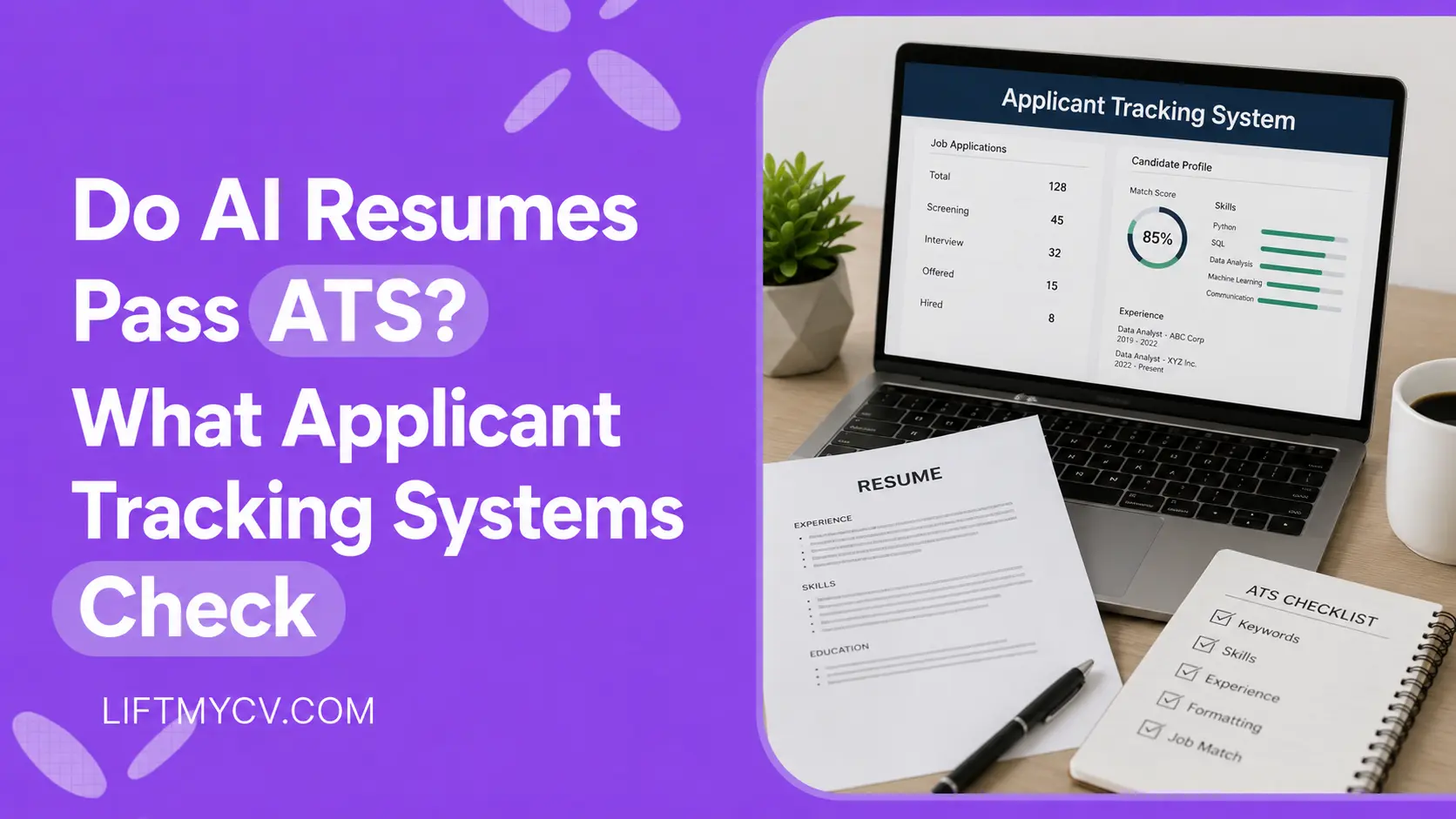
Do AI Resumes Pass ATS? What Applicant Tracking Systems Check
ATS does not detect AI. See what it checks, why some AI resumes get rejected, and how to make yours pass the screen.