
Why You Get Rejected by the ATS When Mass Applying to Jobs
Pick a tool that submits, tailor your resume per posting, and apply faster. A practical guide to auto-applying without the spam.
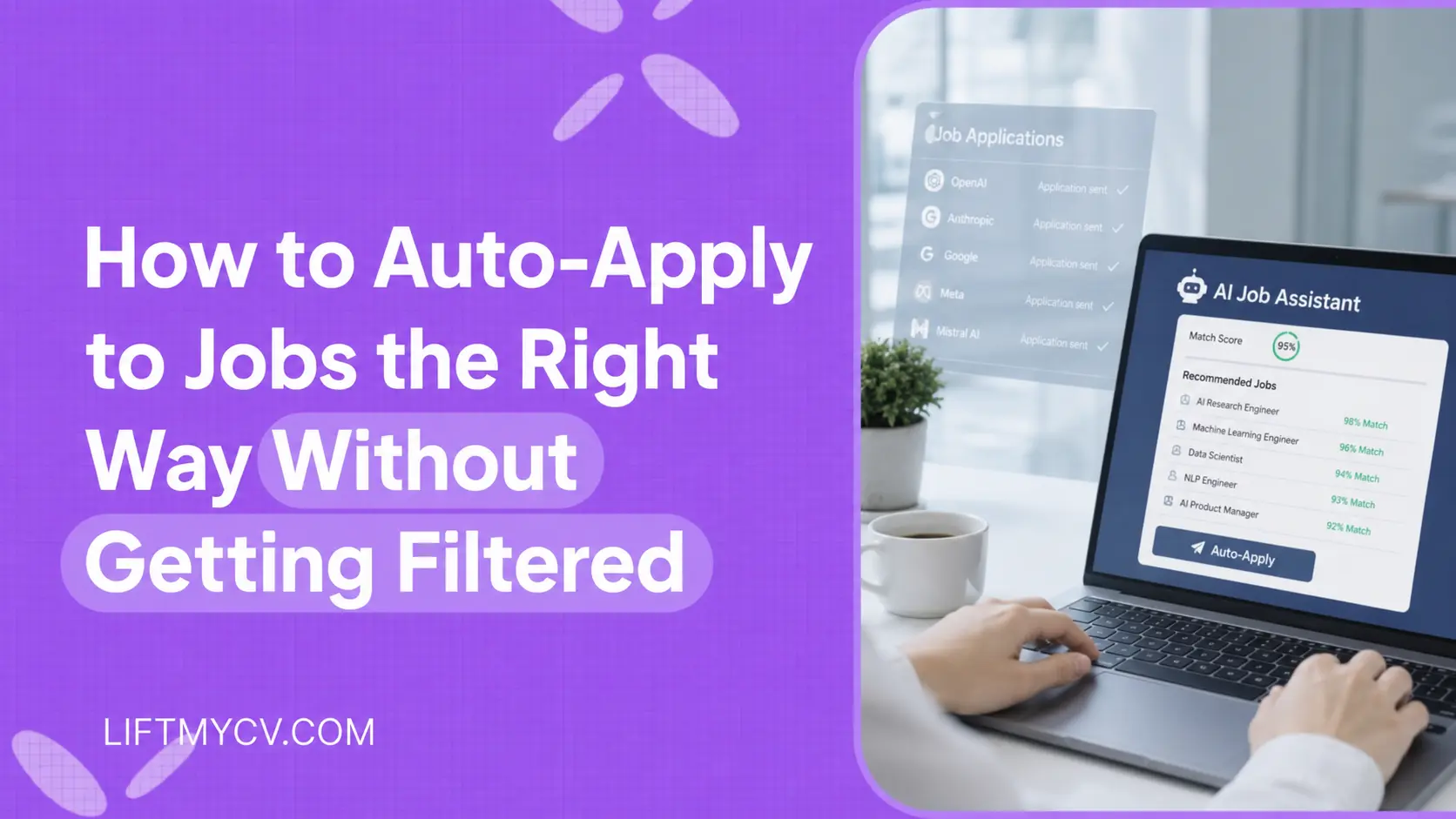
The average corporate job posting pulls in about 250 applications. By the time you have polished your resume and retyped the same work history into another portal, that opening already has a stack of resumes sitting in front of a recruiter.
Auto-apply flips the math. Instead of filling out one form at a time, you set your criteria once and let software submit applications for you across job boards and applicant tracking systems. The trap is that volume without tailoring is exactly what gets an application filtered out. If you are asking why am I getting rejected by ATS after fifty submissions, the answer is usually sitting in the resume, not the count. This guide covers what mass applying to jobs really does to your odds, how many jobs you should apply to, and where automation helps rather than hurts.
If you have spent more nights copying and pasting than interviewing, the fix usually is not more effort. It is automating the repetitive part so your time goes to the work that actually lands offers.
What Auto-Apply Actually Does
Auto-apply is the process of applying to jobs automatically. You connect a tool to your profile, set filters for role, location, and salary, and it searches openings and submits applications on your behalf. Some tools only autofill the form and wait for you to click submit. Others handle the full submission, including a resume tailored to each posting.
The strongest automated job applications do three things at once: they find matching roles, they adapt your resume to the keywords in each listing, and they log every submission so you are not tracking spreadsheets at midnight. That last part matters more than people expect, because volume without records turns into chaos fast.
How to Apply at Scale Without Getting Filtered
The setup takes an afternoon. After that, the system runs while you focus on interviews and outreach. Here is the workflow that produces real callbacks instead of a wall of silence.
Pick a tool that actually submits
Read the fine print before you commit. A lot of products labeled as an auto apply tool only fill in fields and still need you to press the button on every page. If your goal is to apply to jobs automatically at scale, choose one that completes the submission and tailors the resume, rather than an autofill helper.
Build one strong base resume
The AI can trim, reorder, and emphasize, but it cannot invent achievements you never listed. Write one complete, keyword-rich base resume with real numbers and accurate dates. Everything the tool generates per job is built on this foundation, so a thin base produces thin applications.
Set your filters
Define titles, locations, seniority, and the work setups you will accept. Tight filters are what separate a focused auto-apply run from a spam cannon. The narrower your criteria, the more relevant every submission becomes, and relevance is what gets you past the first screen.
Let it tailor each application
For every match, a good system rewrites your resume around the keywords in that specific posting and can attach a cover letter written for the role. This is the step manual applicants skip when they are tired, and it is the step that decides whether an auto apply tool helps or hurts.
Review or run on autopilot
Most tools offer two modes. One lets you approve each match before it goes out. The other applies for you around the clock. Start in review mode for a few days to confirm the matches are sharp, then switch to full automation once you trust the filters.
Track and adjust
Check your application history weekly. If a title is pulling weak matches, cut it. If one resume variant is getting replies, lean into it. Automation is not set-and-forget; it is set, measure, and refine.
What Mass Applying to Jobs Actually Costs You
Mass applying to jobs works right up to the point where the resume stops matching the posting. A recruiter searching the database by keyword never sees the application that skipped their terms, so a hundred untailored submissions can return less than ten tailored ones. The application filtered out at the ATS stage was not rejected by a person. It was never surfaced to one.
That is the honest case for automation, and its limit. Let software carry the retyping and the submitting. Do not let it carry the decision about which roles are worth your name on them.
What to Automate and What to Keep Manual
Automation wins on repetition. It loses on judgment. The job is to hand the machine the parts that drain your week and keep the parts that need a human.
| Task | By Hand | With Auto-Apply |
|---|---|---|
| Finding matching roles | Hours of scrolling job boards | Continuous search across boards and ATS |
| Filling application forms | 10 to 15 minutes each | Submitted for you in seconds |
| Tailoring the resume | Skipped when you are tired | Rewritten per posting automatically |
| Final-round interviews | Your voice, your prep | Stays entirely with you |
| Networking and referrals | Personal outreach | Stays entirely with you |
Notice the pattern. Everything mechanical moves to software. Everything relational stays with you. The point of mass applying to jobs is not to remove yourself from the search; it is to free up the hours that interviews and referrals actually require.
Stop Retyping the Same Application
Set your filters once and let LiftmyCV apply to matching jobs with a resume tailored to each posting. Pay as you go, no subscription required.
Why Am I Getting Rejected by ATS?
Used carelessly, automation just sends the same generic resume to 200 inboxes faster. Recruiters notice. The difference between a tool that helps and one that backfires is a few habits.
- Keep filters tight so every submission is a genuine match, not a long shot.
- Always let the system tailor the resume to the posting instead of sending one static file.
- Apply only to roles where you meet most of the requirements, not every listing that scrolls by.
- Add a short personal note or referral for the handful of jobs you want most.
A tailored resume matters because most applications never reach a person first. They pass through an applicant tracking system that scores how well your wording matches the posting. If your resume is not built around those keywords, it gets filtered out before a recruiter ever opens it. A tool that generates an ATS-friendly resume per job is doing the work that decides whether you make the shortlist.
How Many Jobs Should I Apply To?
Anyone sending more than a handful of applications a week benefits, but a few groups gain the most. Active seekers who need volume without burning out. Career changers casting a wider net across titles. People juggling a current job who cannot apply during business hours. And anyone applying across several boards at once, where logging in and out of portals eats the evening.
If you are applying on LinkedIn, the same logic applies to automating those submissions, with filters and tailored resumes handling the repetitive part while you keep control of the roles you chase hardest.
The honest framing is simple. Auto-apply is a tool, not a lottery ticket. It will not turn an unqualified application into an offer. What it will do is take the 30-plus hours a week that form-filling steals and hand them back, so your energy lands where decisions are actually made.


FAQ
Why am I getting rejected by ATS?
Usually because the resume misses the terms the posting names, or the file format scrambles when the parser reads it. Rejection at this stage is a matching problem, not a judgment on your experience.
How many jobs should I apply to?
Enough that you can still tailor each one. For most people that lands between five and fifteen a week when applying by hand, and higher when a tool handles the tailoring. Volume past the point of relevance buys nothing.
Is auto-applying to jobs worth it?
Yes, when it is targeted. The value is in reclaiming the hours you spend retyping the same fields and in applying to fresh postings fast, while a tailored resume keeps each submission relevant. It is not worth it if you use it to blast one generic resume everywhere.
Can you really automate job applications?
You can automate finding roles, tailoring your resume to each one, filling the forms, and submitting. The parts that stay manual are interviews, referrals, and deciding which few jobs deserve extra personal effort. The best results come from automating the repetition and keeping the judgment.
How many jobs can you auto-apply to?
That depends on the tool and how tight your filters are. The right number is not the highest one. It is however many genuine matches exist for your criteria, applied to quickly and with a resume adapted to each. Quality of match beats raw count every time.
Will recruiters know I used an auto-apply tool?
Not if the resume is tailored to the posting. What recruiters react to is a generic, off-target application, whether a human or a tool sent it. A submission built around the role reads as a strong fit regardless of how it was sent.
Read Next
Simplify Jobs Review: The Chrome Extension, Pricing & Alternatives
A Simplify Jobs review of the Chrome extension, pricing, and how it works, plus the best Simplify alternative that adds hands-off auto-apply to AI job matching.

AIApply Review: Pricing, Features & the Best Alternative
An AIApply review covering pricing, features, and whether it is worth it, plus the best AIApply alternative for hands-off, high-volume auto-applying.
How to Set Up Job Alerts on LinkedIn and Indeed
Hand the repetitive steps to software and reach far more employers. A step-by-step guide to automating your job search the smart way.