
Best AI Tools to Auto-Apply for Jobs (Ranked and Compared)
Compare the best AI tools to auto-apply for jobs - tailoring, control, coverage, and real pricing - so you reach more roles without the busywork.
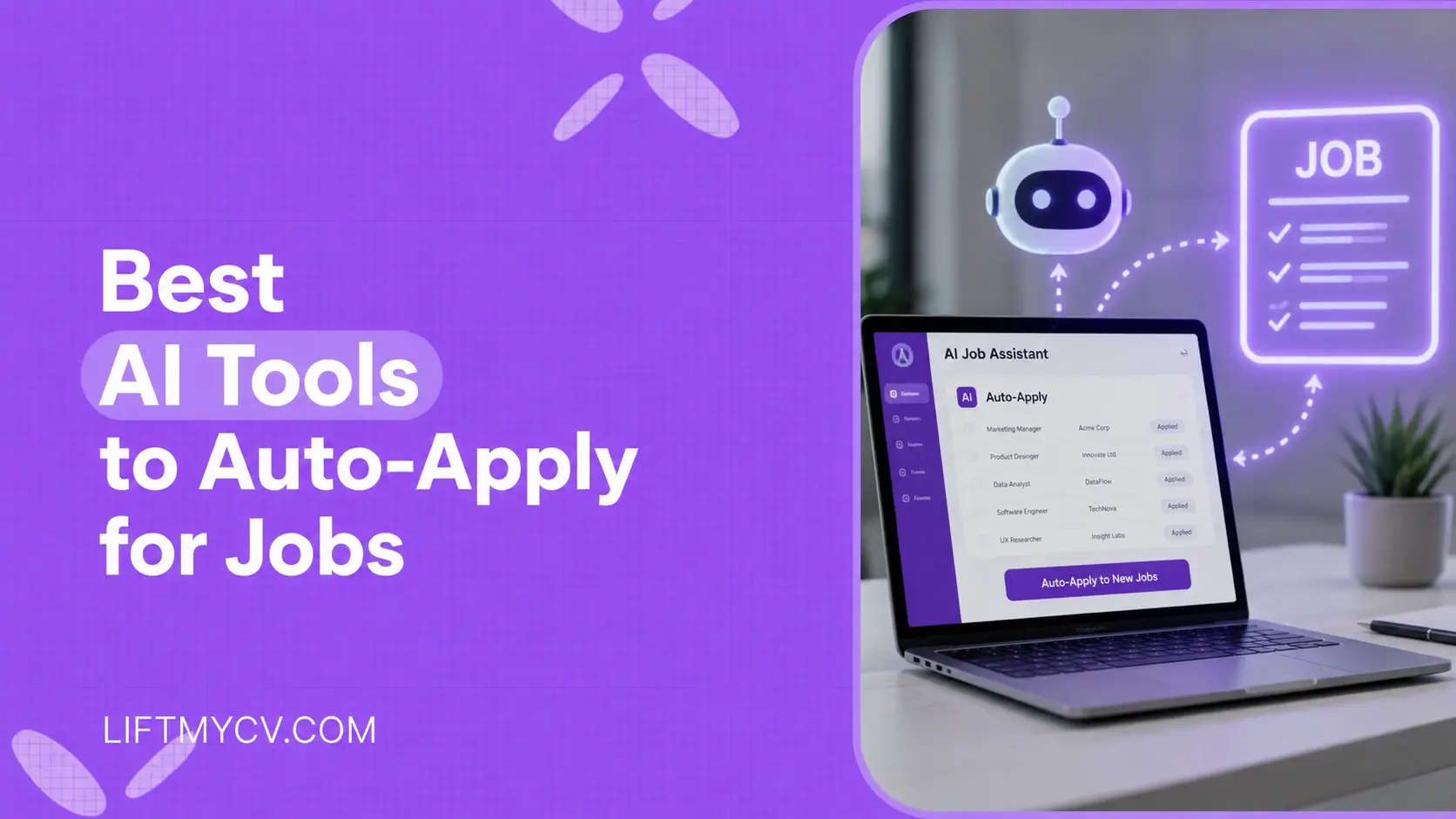
The average online job posting pulls in hundreds of applicants, and most people are filling out the same fields by hand, one job at a time. Auto-apply tools change that: you set your criteria once, and software handles the repetitive part of applying. The category is broad, though, and the tools work in different ways. Some submit applications for you, some only autofill the forms so you can submit faster, and a few focus on matching jobs to your profile.
This guide ranks the best AI tools to auto-apply for jobs and explains exactly what each one does, with current pricing and where each fits. It also covers the questions most listicles skip: which tools are free, which work well with LinkedIn, and how to use them effectively. If you want the short answer, the tool that wins on per-job tailoring, control, and pricing is first.
Let us start with what an auto-apply tool is, because the label covers a few different things.
What Is an Auto-Apply Tool and How Does It Work
An auto-apply tool is software that helps you apply to jobs with less manual effort. You give it your resume, your target roles, and your preferences, and it takes over the repetitive work: finding matching postings, filling out application forms, and, depending on the tool, submitting them. The most capable ones also generate a tailored resume and cover letter for each role.
These tools fall into three types, and knowing which type you are choosing matters more than the brand name.
- Full auto-apply. The tool finds jobs and submits applications for you across job boards. This is what most people mean by an auto-apply bot or “AI that applies to jobs for you.”
- Autofill assistants. A browser extension fills the form fields, and you click submit. You get speed with manual control.
- Matching and discovery. The tool focuses on finding and ranking jobs that fit you, then speeds up applying, often with autofill.
You will also hear these called auto-apply bots, job application bots, auto job appliers, or job search automation software. When people search for how to auto apply to jobs, mass apply, apply to multiple jobs at once, or apply in bulk, this is the category they mean. The list below has a pick for each type.
What Makes a Good Auto-Apply Tool
Every job application bot saves time. The ones worth using clear four bars, and these are the criteria the ranking below is built on.
- Tailoring per job. The best auto-apply tools tailor your resume and cover letter to each posting, which helps with the ATS and with the recruiter reading it.
- Control. Useful tools let you set daily limits, review, and choose how hands-off the automation is.
- Coverage. More job boards and ATS platforms means more relevant roles reached from one place.
- Pricing that fits. Subscriptions, weekly plans, and credit systems all add up differently over a multi-month search, so the billing model matters.
Here is how the main tools compare on type, tailoring, and price before we get into each one.
| Tool | How it applies | Tailors resume per job | Pricing |
|---|---|---|---|
| LiftmyCV | Full auto-apply | Yes, AI per job | Free + $9.99/mo + pay-as-you-go |
| Jobright | Matching + autofill | Yes | Free + from $6.99/week |
| LoopCV | Full auto-apply | Yes (AI CV builder) | Free + from €8.99/month |
| JobCopilot | Full auto-apply | AI resume builder | From €8.90/week |
| AIApply | Auto-apply (credits) | Yes | From €10/month + credits |
| Simplify | Autofill only | Yes | Free + from $15.99/week |
| LazyApply | Full auto-apply | No | Annual, from $99/year |
The Best Auto-Apply Tools for Job Applications
Each entry below covers how the tool applies, whether it tailors per job, and its current pricing, so you can match it to how you want to run your search.
1. LiftmyCV – best overall auto-apply tool
LiftmyCV is built around tailored volume. It scans across 11 job boards and ATS platforms, matches roles to your profile, and generates an ATS-friendly resume and a cover letter aimed at each specific posting before it applies for you. It offers several workflows, from smart and custom auto-apply to autopilot, copilot, and Stealth Apply, so you choose how hands-off it runs while staying in control.
Pricing is flexible. You start free with 3 Lifts (its credit unit), then choose pay-as-you-go auto-apply with Lift packs from $14.99, or a subscription: Basic at $9.99/month or Unlimited at $69.99/month. Lifts are charged only for successful actions, and there is no annual lock-in.
- How it applies: full auto-apply across LinkedIn, Monster, Wellfound, Glassdoor, and ATS platforms like Lever, Greenhouse, Workable, and Ashby.
- Tailoring: AI resume and cover letter generated per job.
- Pricing: free to start (3 Lifts), Basic $9.99/mo, Unlimited $69.99/mo, or pay-as-you-go from $14.99.
- Best for: job seekers who want tailored applications at volume with control over the automation.
Stop filling out the same form 50 times
LiftmyCV writes a tailored resume and cover letter for each job and applies for you, so you reach more employers in a day than manual applying does in a week. Three Lifts are on the house.
2. Jobright – best for AI job matching
Jobright focuses on matching. It scans postings, scores how well each role fits your profile, and tailors your resume, then speeds up applying with one-click autofill and AI-assisted workflows. It leans more toward job discovery and autofill assistance than fully hands-off submission, so it is a good fit if your main problem is finding the right roles. If it is on your shortlist, weigh the best Jobright alternatives too.
- How it applies: AI job matching with fit scores, tailored resumes, and one-click application autofill.
- Tailoring: tailored resume generation tied to match scores.
- Pricing: free tier plus a subscription from $6.99 per week.
3. LoopCV – best free auto-apply volume
LoopCV runs on “loops”: you upload a CV, set preferences, and it searches for jobs and either applies automatically or lets you review the matches first. Its background automation runs based on your loop settings, and it includes an AI CV builder that supports different CVs for different jobs.
- How it applies: automatic applications via loops, or review-then-apply.
- Tailoring: AI CV builder with different CVs per job.
- Pricing: free plan, with paid plans from €8.99 per month.
4. JobCopilot – best all-in-one on a budget
JobCopilot finds relevant jobs daily and autofills applications on your behalf through a daily copilot flow. You set up a copilot with your roles, locations, and filters, add answers to common screening questions, and it works on a schedule, with an AI resume builder and an application tracker included.
- How it applies: finds jobs daily and auto-applies on your behalf.
- Tailoring: AI resume builder that tailors resumes for jobs.
- Pricing: from €8.90 per week, with weekly, monthly, and quarterly plans.
5. AIApply – best for extra job-search tools
AIApply is a broader assistant: it applies to matched jobs automatically and adds ATS-optimized resume building, cover letters, and interview tools. One thing to note about its model is that subscription access and auto-apply credits are separate, so the cost to actually apply depends on how many credits you use.
- How it applies: auto-applies to matched jobs, with credits separate from the subscription.
- Tailoring: ATS-optimized resumes tailored to job descriptions.
- Pricing: from €10 per month, plus auto-apply credits.
6. Simplify – best autofill assistant
Simplify is the autofill specialist: its Copilot extension fills application forms and can continue through multi-page applications, but you click submit yourself. It also offers resume tailoring, cover letters, job matching, and a tracker. If you want speed while reviewing every submission, this control is the point.
- How it applies: autofills forms; you submit each application.
- Tailoring: resume tailoring and cover letters.
- Pricing: a free base version, with paid plans from $15.99 per week.
7. LazyApply – best for high-volume applying
LazyApply is a long-running high-volume auto-apply tool. Its Chrome extension fills and submits applications across many boards, with plans that scale to a high number of applications per day. It uses a general resume builder rather than tailoring a resume to each specific job, and it runs on an annual subscription.
- How it applies: full auto-apply across many job boards at high volume.
- Tailoring: general resume builder, not per-job tailoring.
- Pricing: annual plans from $99 per year. See our LiftmyCV vs LazyApply comparison for a side-by-side, or browse the wider list of LazyApply alternatives.
Best Free Auto-Apply Tools
You can start without paying. If you want a free auto-apply tool, a few options stand out, each with a different catch.
- LiftmyCV gives you 3 free Lifts to test tailored auto-apply, then keeps a pay-as-you-go option with no subscription required.
- LoopCV has a free plan, with paid tiers for higher volume.
- Simplify has a free base version for autofill, though you still submit each application yourself.
The usual trade-off with free tiers is volume or tailoring. Use the free runway to test how well a tool tailors applications, not just how many it can send.
Auto-Apply Tools for LinkedIn
LinkedIn allows automation within limits, so the tools that work well there apply at a measured pace, match roles before applying, and vary each submission rather than sending identical applications. For LinkedIn specifically, look for a tool that lets you control daily volume and tailors each application.
LiftmyCV is built for this, with LinkedIn auto-apply that paces submissions and customizes your resume per role. Our guide on how to auto-apply to LinkedIn jobs with AI goes deeper on doing it safely.
How to Use an Auto-Apply Tool Well
The tool does the applying, but a few habits decide whether you get interviews.
- Tighten your targeting so the tool applies to roles you actually fit.
- Keep tailoring on, so each application carries the keywords from that job description.
- Set a daily limit that feels sustainable and natural.
- Prefill strong answers to common screening questions once.
- Track responses and adjust your targets each week based on what gets replies.
How to Choose the Right Auto-Apply Tool
The right pick depends on what you value. If you want to review every submission, an autofill assistant like Simplify fits. If you want strong job matching, Jobright is built around that. If you want hands-off submission at scale, a full auto-apply tool is the category to choose.
If your goal is interviews, prioritize a tool that tailors your resume to each job, lets you control the pace, and charges in a way that fits your search. That combination of per-job tailoring, control, and flexible pay-as-you-go pricing is why LiftmyCV tops this list.


FAQ
Is using an auto-apply tool worth it
It is worth it when the tool tailors each application. The value of auto-apply is reaching more employers than you could by hand, and that pays off when every application is matched and keyword-aligned. Tailoring is what turns volume into interviews.
Are auto-apply tools safe to use
They are legitimate tools, and platforms allow automation within their own limits. As a general best practice, apply at a measured pace and tailor each application rather than sending a high volume of identical ones. Many tools let you set daily limits to keep your activity natural.
Is there a free auto-apply tool
Yes. LoopCV has a free plan, and LiftmyCV gives you 3 free Lifts to test tailored auto-apply before you pay. Simplify has a free base version too, though it autofills forms rather than submitting for you.
Can AI really apply to jobs for me
Yes. Full auto-apply tools read a job posting, fill the application form, attach a tailored resume and cover letter, and submit it across multiple boards. You set your criteria and review the results, while the software handles the repetitive part.
Do auto-apply tools work with the ATS
The good ones do. Because most applications pass through an applicant tracking system, the tools that tailor your resume with the keywords from each posting give you the best chance of clearing that filter.
What is the difference between auto-apply and autofill
Auto-apply tools submit the application for you, while autofill tools fill the form and leave the final submit to you. Simplify is autofill, LazyApply and LoopCV are full auto-apply, and tools like Jobright sit in between with matching plus autofill.
Read Next
Simplify Jobs Review: The Chrome Extension, Pricing & Alternatives
A Simplify Jobs review of the Chrome extension, pricing, and how it works, plus the best Simplify alternative that adds hands-off auto-apply to AI job matching.

AIApply Review: Pricing, Features & the Best Alternative
An AIApply review covering pricing, features, and whether it is worth it, plus the best AIApply alternative for hands-off, high-volume auto-applying.
How to Set Up Job Alerts on LinkedIn and Indeed
Hand the repetitive steps to software and reach far more employers. A step-by-step guide to automating your job search the smart way.