
Is It Safe to Auto-Apply to Jobs? An Honest Look at the Risks
What is actually risky with auto-apply tools, what is safe, and how to apply on autopilot without torching your account.
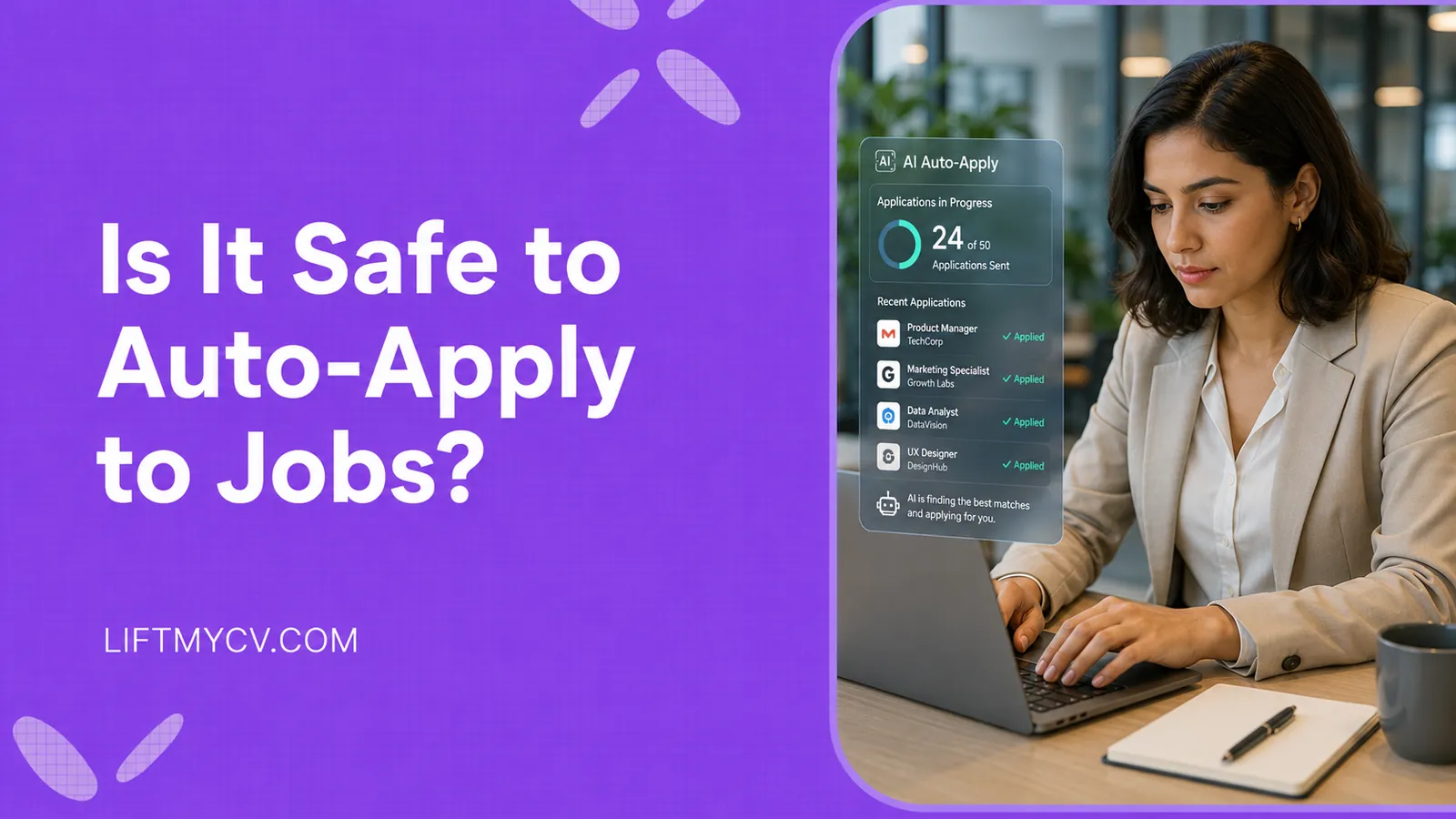
You found a tool that promises to fire off applications to hundreds of openings while you sleep. Then the second thought lands: is this the kind of thing that gets your account suspended?
It is a fair worry, and the people asking it are right to slow down. So is it safe to auto-apply to jobs? The honest answer is that it depends entirely on how the tool works and how fast you let it run. Some automated job application setups are practically begging for a flag. Others stay well inside the rules and just spare you the carpal tunnel. The risk is not in the words “auto-apply” – it is in what happens under the hood.
This guide breaks down where the real danger sits, what actually trips account detection, and how to run an auto-apply tool without torching your reputation. If you are still deciding whether the approach is even worth your time, we cover that separately in our look at whether auto-apply pays off.
The Three Kinds of Auto-Apply (Only One Is Risky)
Lumping every tool under one label is how the panic starts. There are really three different things people mean when they say auto-apply, and they carry wildly different levels of risk.
- Scrapers and bots. These harvest job data or fire messages with zero human in the loop. They scrape pages they are not supposed to touch. This is the category that violates almost every job board’s terms and the one that earns bans.
- Unattended mass submit. Tools that blast applications with no review, at machine speed, to anything with a matching title. Less reckless than a scraper, but the velocity alone can light up detection systems.
- AI-assisted apply. The software screens listings, fills the repetitive fields, and queues applications at a human pace while you keep control over what goes out. This is the version that stays compliant.
When a headline screams that auto-apply gets you banned, it is almost always describing the first bucket. Treating the third the same way is like banning cars because some people street race.
Are Auto-Apply Tools Against the Rules?
Most job boards draw the line at automated scraping and fake activity, not at speed of typing. LinkedIn’s terms, for example, prohibit bots that crawl the site or act on your behalf without consent. What they actually care about is whether the traffic looks like a real person doing real things, or like a script pretending to be one.
That puts mass auto-submit in a gray zone and puts review-first AI assistance on much safer ground. If a tool pre-fills an application and you click send after a glance, you are the one applying. The automation handled the boring part. That distinction is exactly why some Easy Apply workflows are fine and others are not.
What Actually Gets Your Account Flagged
Detection has gotten sharper. Boards no longer just look at each application in isolation – they look at the pattern across your whole session. A few behaviors stand out as triggers.
- Human-impossible velocity. Firing 100 applications in an afternoon is an instant tell. Even 25 to 30 in a single tight burst can read as suspicious when they all land in minutes.
- Fake or thin profiles. A throwaway account with no history is the single biggest ban trigger. Real activity on a real profile looks nothing like a bot farm.
- Extensions that fake clicks. Add-ons that inject scripts and bypass normal page interaction leave fingerprints security teams have seen thousands of times.
- Bulk applying far outside your fit. Sending a junior resume to fifty senior roles in one go is both pointless and a pattern that screams automation.
Notice the common thread. It is not “you applied to a lot of jobs.” It is “you applied in a way no human could.” Keep the rhythm human and most of the risk evaporates.
Apply on Autopilot Without the Ban Risk
Let an AI agent screen real listings and queue applications at a human pace, on your own profile, with you in control of what goes out.
How to Auto-Apply Safely
Safe automation is less about the tool and more about how you set it up. A few habits keep you firmly on the right side of the line.
Use your real profile, not a burner. Keep the pace human – a steady stream over the day beats a wall of fifty at once. Lean on tools that connect through official application channels rather than scraping, and that let you review before submission. And point the automation at roles you actually fit, so each application holds up on its own. A well-built AI auto-apply agent already bakes these guardrails in, pacing submissions and matching you to listings instead of carpet-bombing the board.
Does Auto-Apply Hurt You With Recruiters?
Here is the part that surprises people: recruiters cannot see how you applied. There is no badge on your application that says “submitted by a bot.” What lands on their screen is the same thing as everyone else’s – your resume, your answers, and how well you match the role.
So the worry is misplaced. Automation gets you into the pile. Your materials decide whether you climb out of it. If the resume is tailored and the fit is real, an application that took a tool three seconds to file reads exactly like one you sweated over for twenty minutes. The real win is in spending the time you saved on the things that actually move the needle.
Safe vs Risky Auto-Apply at a Glance
If you only remember one section, make it this one. The same feature can be safe or reckless depending on how it behaves.
| Signal | Risky Setup | Safer Setup |
|---|---|---|
| Account used | Burner or fake profile | Your real, active profile |
| Speed | 100+ in an afternoon | A steady human pace |
| How it applies | Scrapes and fakes clicks | Official application flows |
| Your role | Fully hands-off, no review | You review before it sends |
| Job targeting | Anything with the title | Roles you actually fit |
Stay in the right-hand column and “is it safe to auto-apply to jobs” stops being a scary question. The technology is neutral. The settings are where safety lives.


FAQ
Can you get banned for using an auto-apply tool?
You can, but usually only when the tool scrapes the site, runs on a fake profile, or fires applications at machine speed. A review-first tool on your real account, kept to a human pace, rarely triggers anything.
How many jobs can I apply to in a day without getting flagged?
There is no official number, but spreading a couple dozen applications across the day looks normal, while dumping a hundred in one hour does not. The pattern matters more than the total. Velocity and timing are what detection systems watch, so a steady stream is your friend and a single giant burst is your enemy.
Do employers know if you used auto-apply?
No. Recruiters see your application, not the method behind it. How you submitted has no bearing on how they judge your fit.
Is automating LinkedIn Easy Apply allowed?
It lives in a gray zone. Tools that you control and review tend to stay compliant, while fully unattended bots that act without you do not. We cover the safe way to handle it in our guide to auto-applying on LinkedIn with AI.
Read Next
Simplify Jobs Review: The Chrome Extension, Pricing & Alternatives
A Simplify Jobs review of the Chrome extension, pricing, and how it works, plus the best Simplify alternative that adds hands-off auto-apply to AI job matching.

AIApply Review: Pricing, Features & the Best Alternative
An AIApply review covering pricing, features, and whether it is worth it, plus the best AIApply alternative for hands-off, high-volume auto-applying.
How to Set Up Job Alerts on LinkedIn and Indeed
Hand the repetitive steps to software and reach far more employers. A step-by-step guide to automating your job search the smart way.